Language Management
Note
This menu item is only available for agents who have administrator privileges.
Use this screen to manage languages available in FAQ articles. A fresh installation of this plugin already contains some languages by default. The language management screen is available in the Language Management menu item of the FAQ menu.

FAQ Language Management Screen
Manage FAQ Languages
To add a language:
Click on the Add language button in the left sidebar.
Fill in the required field.
Click on the Submit button.

Add Language Screen
To edit a language:
Click on a language in the list of languages.
Modify the field.
Click on the Submit button.

Edit Language Screen
To delete a language:
Click on the trash icon in the list of languages.
Click on the Yes button in the confirmation dialog.
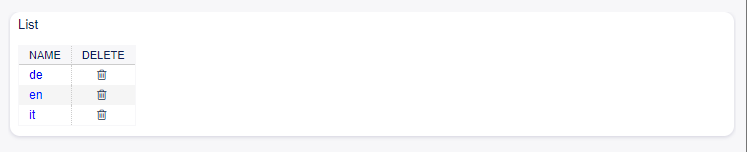
Delete Language Screen
FAQ Language Settings
The following setting is available when adding or editing this resource. The fields marked with an asterisk are mandatory.
- Name *
The ISO 639-1 code of a language.