Chat with Ticket
The Chat with Ticket feature embeds the Chatbot widget directly in the agent interface. The widget is available exclusively in the AgentTicketZoom view and refers to the ticket currently being inspected. The widget is rendered client-side and connects to the AI platform and exposes the current ticket context (subject, articles, customer information).
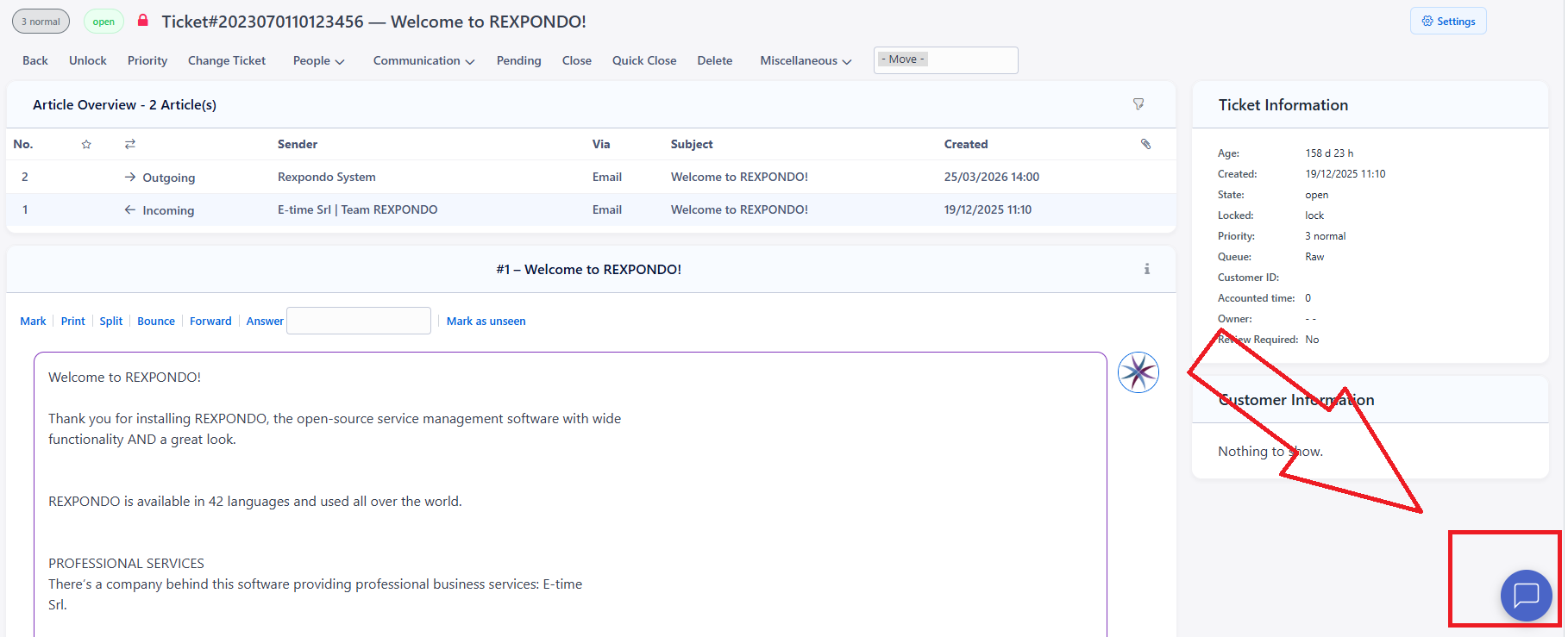
Clicking the button in the bottom-right corner of the AgentTicketZoom view will open the Chatbot panel.
Enable the Feature
Contact E-Time to purchase and activate the AI integration for your subscription.
Set
Frontend::Margot::Chat::Enableto enabled.Deploy the System Configuration and reload the agent interface.
Settings Reference
SysConfig key |
Default |
Description |
|---|---|---|
|
0 |
Master switch for the Chatbot widget in the agent interface. |