Customer CMDB
This feature is a simple and easy to understand representation of the Configuration Items of the customer user/customer user’s company.
Customer Interface
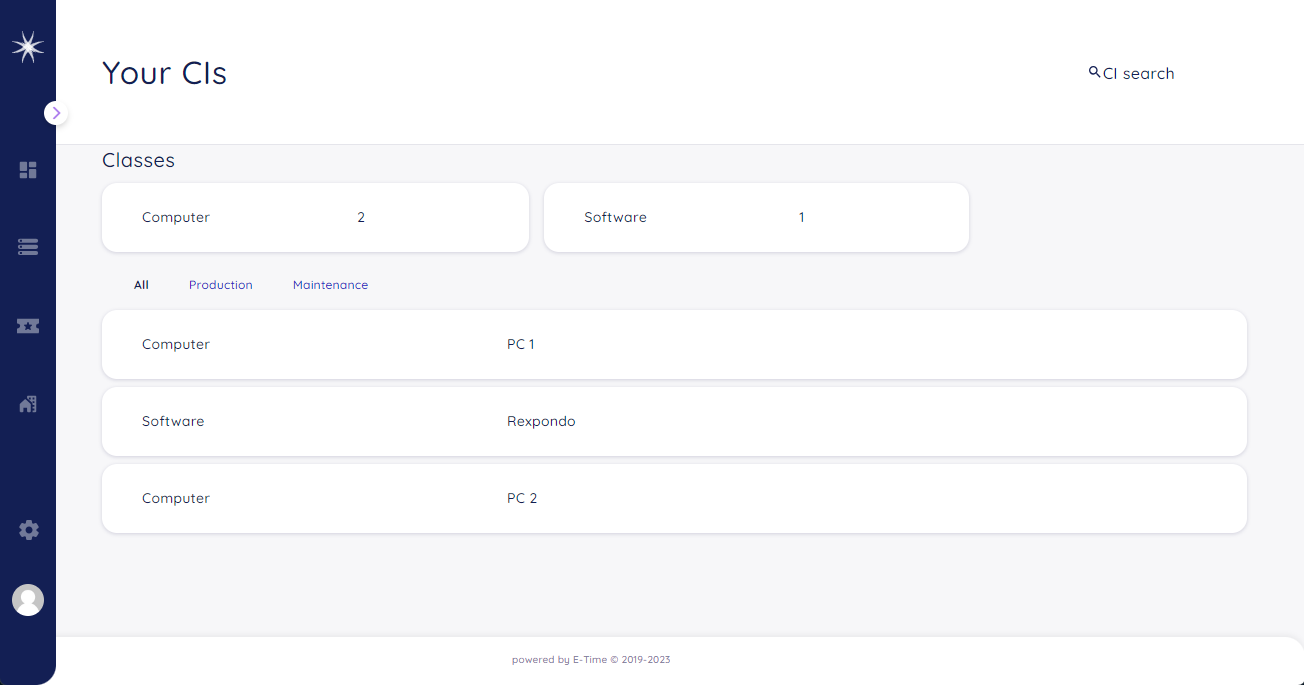
Customer CMDB Overview Screen
An administrator can enable/disable this view in the system configuration section of the Agent Portal by modifying the following key:
CustomerFrontend::Navigation###CustomerTicketOverview###002-CMDB
Overview
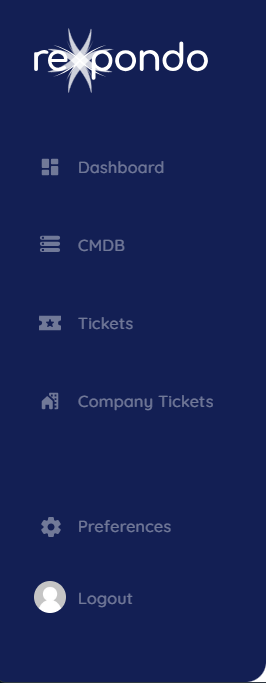
Customer CMDB Navigation Bar Screen
Once the feature is enabled, the Customer CMDB will be reachable from the navigation bar on the left side in the Customer Portal.
Filters
The customer user can filter by the class of the Configuration Item.
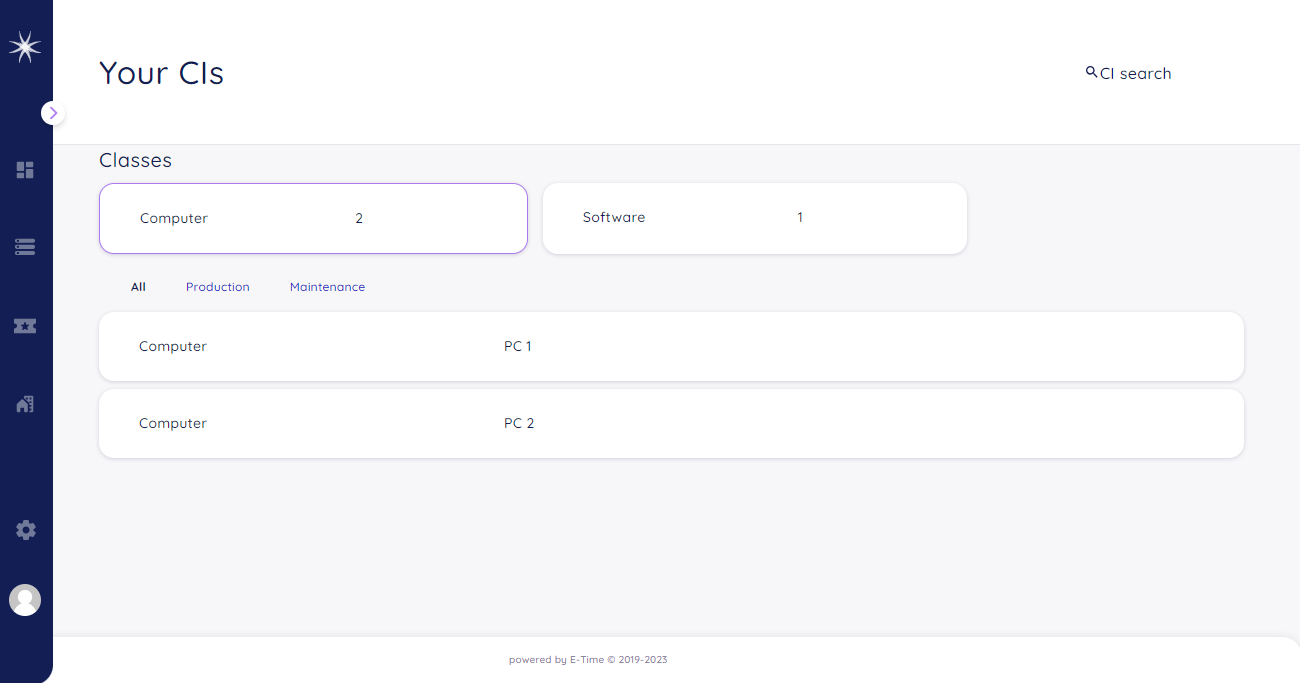
Customer CMDB Filter by Class
The customer user can filter by the state of the Configuration Item.
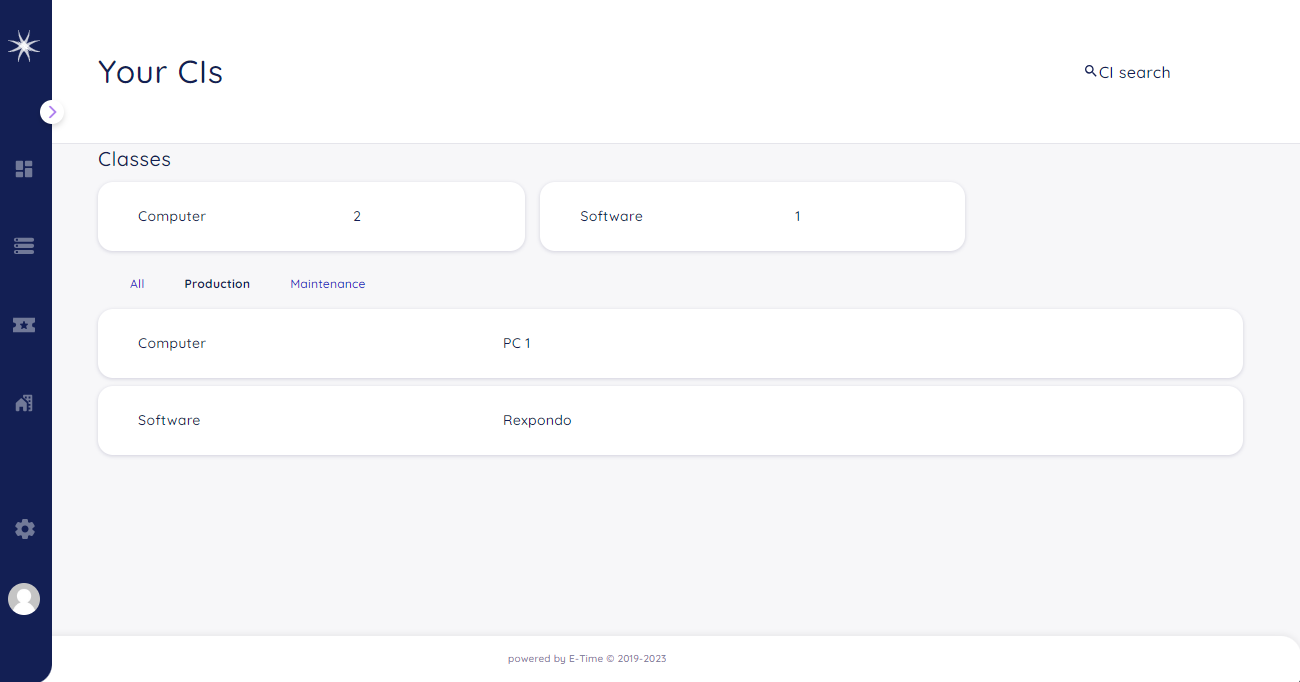
Customer CMDB Filter by State
He can also filter by the class and state of the Configuration Item.
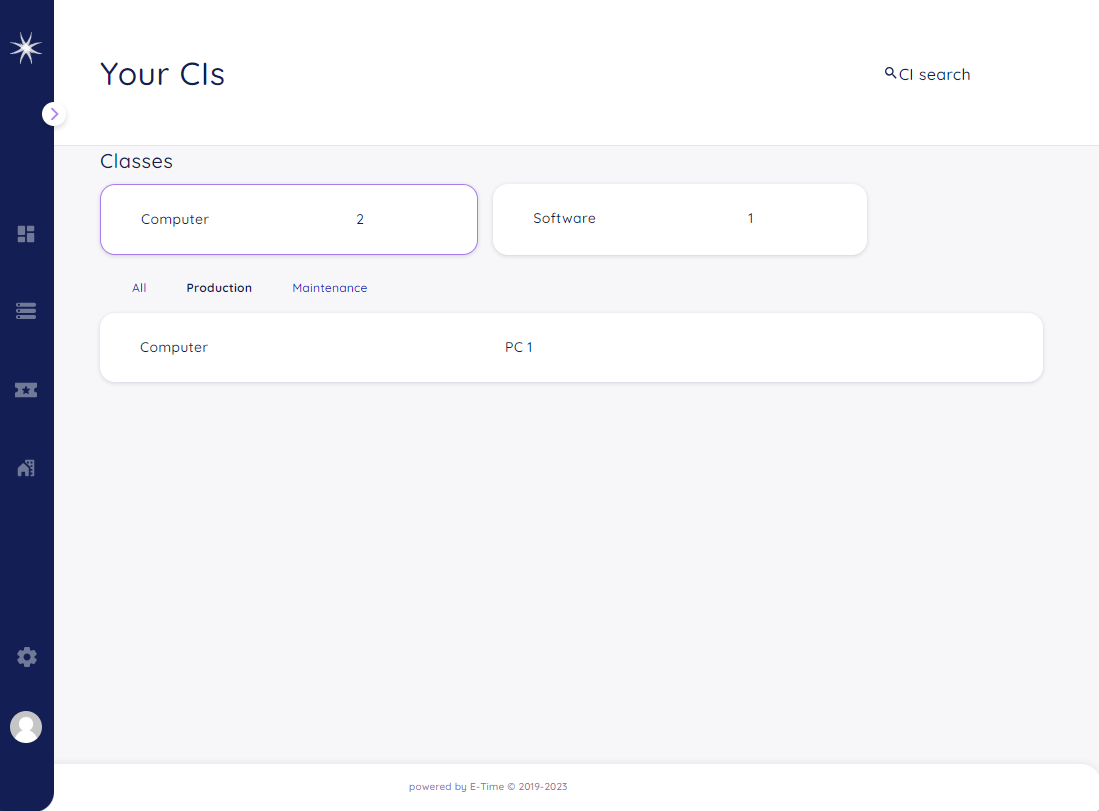
Customer CMDB Filter by Class and State
Search
All Configuration Items are searchable by name.
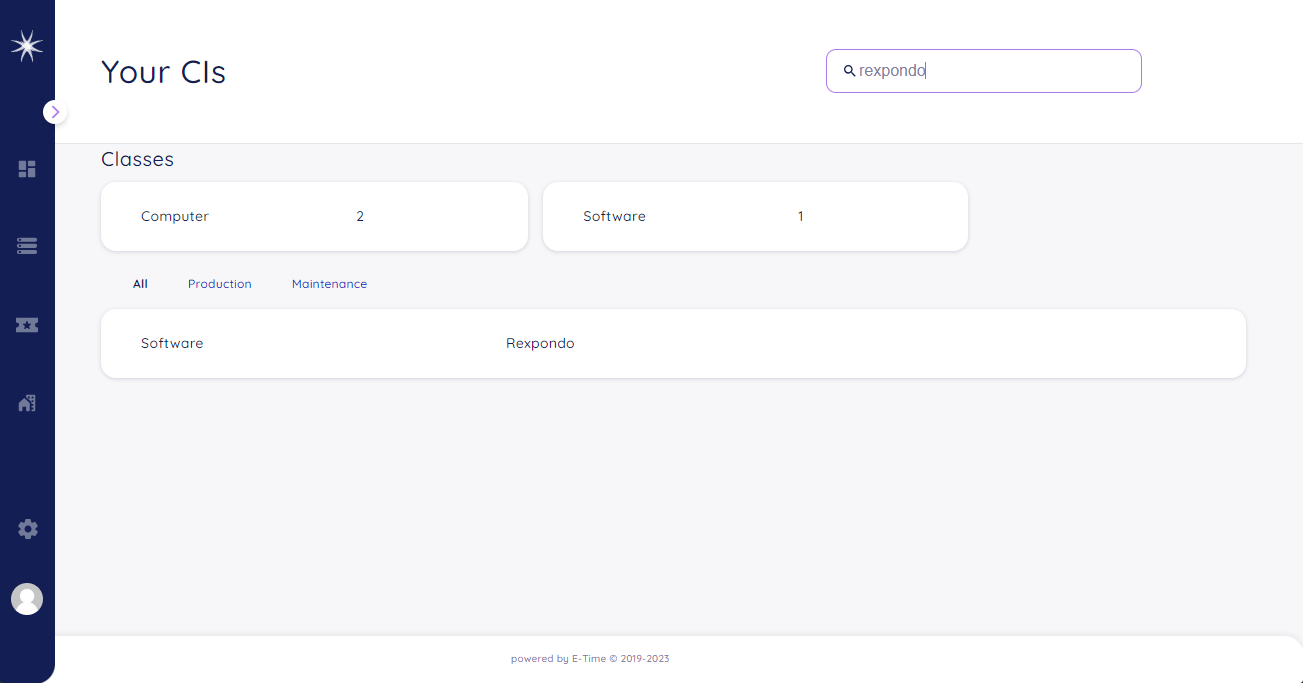
Customer CMDB Search
Configuration Item Detail
By clicking on one of the Configuration Items the detail screen wil pop up.
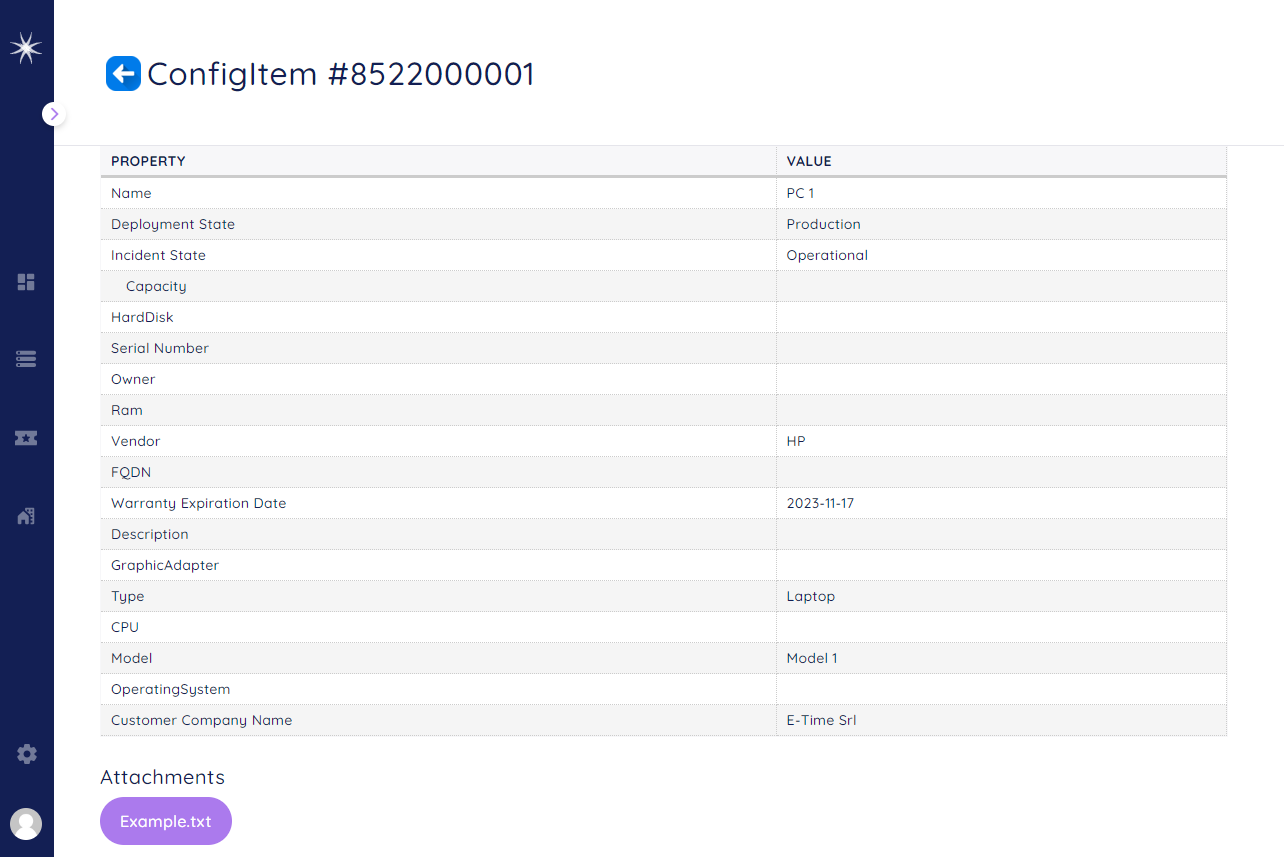
Customer CMDB Detail Overview
The customer user is allowed to download any attachment that is saved in the Configuration Item.
External Interface
This package has no external interface.